Control your Loxone home
Anthropic
Connect your Loxone Miniserver to your favorite AI tool and control lights, blinds, temperatures by voice or text.
No lock-in — delete your account and credentials anytime with one click. Your Miniserver keeps working exactly as before.
1 Connect Loxone
Enter your Miniserver serial number and login credentials.
2 Connect your AI
Connect any AI client — Claude, ChatGPT, Cursor, VS Code — to your cloud server. Claude Desktop is a one-click .mcpb download; others use a quick config.
3 Control by voice
Tell your AI what you want and it will do it for you.
Top concerns
Is it free?
Yes. The Cloud MCP tier is free.
Is it secure?
Yes. Credentials are encrypted and the AI never sees your password (OAuth); commands travel over TLS through our secure cloud.
Do I need technical skills?
No. Just your Miniserver serial number, username and password. Setup in 3 minutes.
Everything you need
Complete Loxone smart home control through natural language in your chosen AI tool.
Lights & Dimming
Turn on, off or set light intensity in any room with a simple command.
Temperature Sensors
Monitor temperatures in all rooms in real-time.
Blinds & Shutters
Control blinds by voice - up, down or exact position.
Cloud Access
Connect to Loxone from anywhere through secure cloud proxy.
100% Free
No subscription, no license — just connect your Miniserver and go.
Secure Connection
JWT authentication, encrypted credentials, HTTPS.
Set up in minutes — no local install
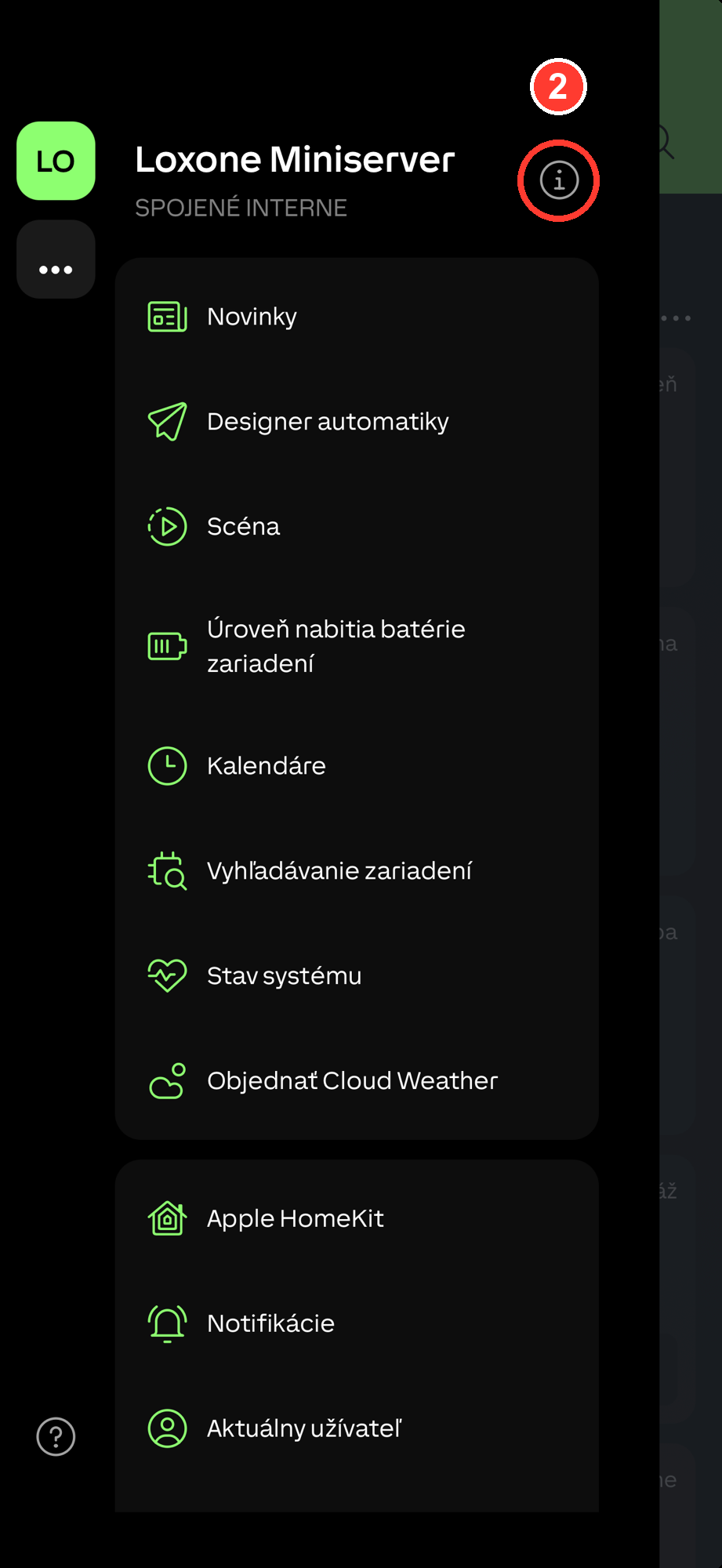
Add your Miniserver with just its serial number (find it in the Loxone app), then connect any AI assistant in one click.


Connect your AI assistant
Pick your assistant. For Claude & ChatGPT there's nothing to copy but a URL — you sign in, no token.
Copy the Loxone AI URL
You'll paste it in the next step.
https://cloud.loxoneai.com/cloud/mcpAdd a custom connector
Claude → Settings → Connectors → Add custom connector. Name it Loxone AI, paste the URL.
Connect & sign in
Click Connect, sign in with your Loxone AI account — done. Now ask Claude to turn on the lights.
What you can say to your AI
Natural language - no complicated commands.
"Turn on the living room light"
Light control
"What is the bedroom temperature?"
Temperature sensors
"Close all blinds"
Blinds & shutters
"Dim kitchen lights to 30%"
Dimming
See it in action
Real conversations with your smart home system.
Reading humidity sensors
Temperature overview across all rooms
Full device inventory
Found devices
💡 Lights 0
🪧 Blinds 0
🚗 Gates 0
🌡️ Climate 0
🌡️ Temperature sensors 0
Frequently asked questions
Do I need technical knowledge?
No. Just enter your Loxone Miniserver serial number and login credentials. Installation is done with one click.
Is it secure?
Yes. Your Miniserver credentials are encrypted at rest (authenticated AES) and the AI never sees them — AI clients connect via OAuth. Commands travel over TLS through our cloud relay; we do not store your home data or your conversations.
What devices are supported?
Lights, dimmers, blinds, shutters, gates, temperature sensors and more. We support all devices in Loxone Config.
What does it cost?
Nothing — Loxone AI is free to use. No monthly fees and no subscription.
Does it work with Loxone Cloud?
Yes — the connection goes through Loxone Cloud automatically. Just enter your Miniserver serial number.